
| This article explains what the Escape Room is, how to play, and how admins add the Escape Room to a world. |
Keep reading to learn about:
 Escape Room: Abandon Spaceship!
Badges & the Hall of Fame Leaderboard
Adding Escape Room: Abandon Spaceship! to a World
What is Escape Room: Abandon Spaceship!?
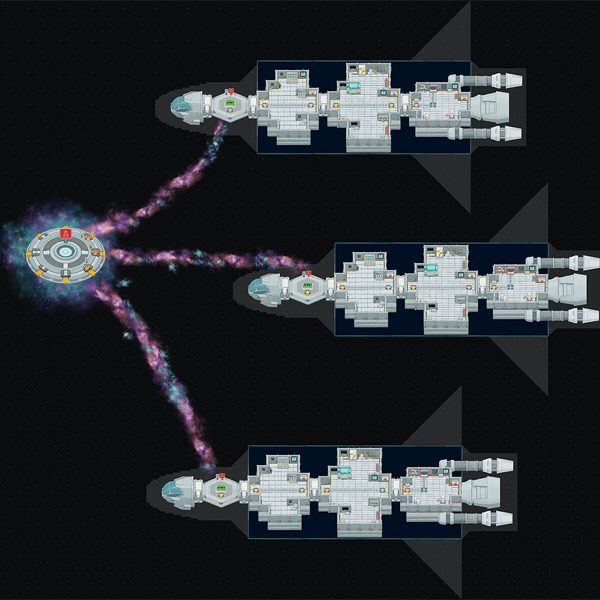
Your ship is in trouble! Solve the puzzles, restore the systems, and escape as soon as possible! This Escape Room is a space-themed puzzle adventure made up of 3 rooms with 7 puzzles in total. Solve every puzzle in a room to unlock the teleporter to the next one, and crack the final code in Room 3 to unlock the Escape Hatch.
 |
Playing Escape Room: Abandon Spaceship!
Everyone can play Escape Room: Abandon Spaceship! You can play alongside classmates, but each player has their own saved progress. Puzzles you solve count for you only, and progress is not shared among players. There's no limit to the number of players at a time, but we recommend playing in groups of 10 or fewer.
To Play Escape Room:
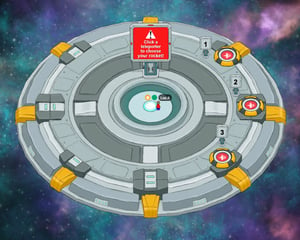
- When you enter, if you spawn on a platform in space, you will need to choose a rocket to play on first by clicking a rocket teleporter or by walking over to a rocket. If you see a Start button right away then skip to step 2.
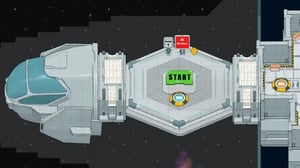
- Click the Start button.
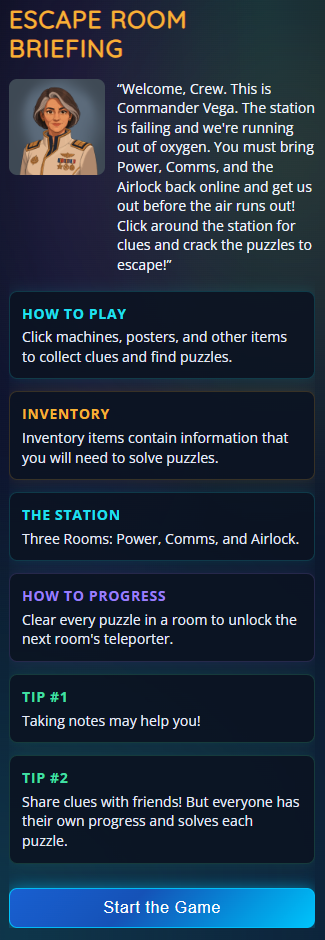
- The side drawer will open with the game briefing. Click Start the Game and you'll be teleported into Room 1 of the Escape Room.
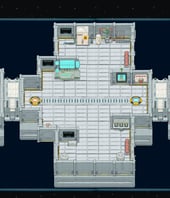
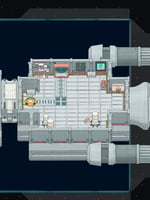
- Explore the room and click the machines to open each puzzle. Each room has 2–3 puzzles to solve.
Room 1 Room 2 Room 3 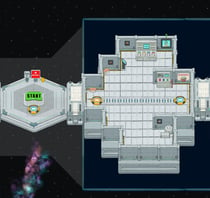
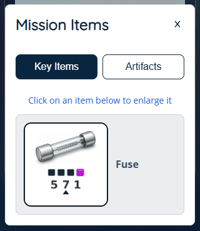
- Solving a puzzle earns you a key item. You'll need these to escape! Keep an eye out for artifacts (like photos, maps, and posters) you can click to collect as you go. Both are stored in your inventory.
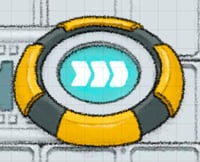
- Once you've solved every puzzle in the room, the teleporter to the next room unlocks. Click the Teleport to Next Room button on the side drawer or the unlocked teleporter with arrows pointing toward the right to move on. Your avatar will automatically move to the unlocked teleporter.

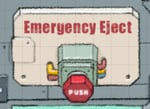
- Want to quit or start over at any time? Click the Emergency Eject button.
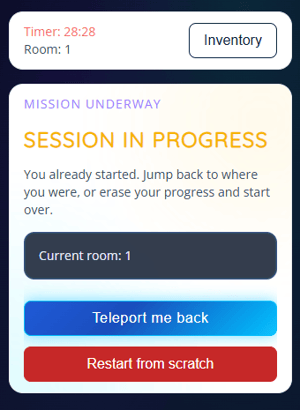
Note: If you leave the session and come back, you'll be asked whether you want to rejoin where you left off or start over.
 |
Tips for Playing Escape Room:
-
Watch the clock! The faster you finish, the higher you rank in the leaderboard. Escape in under 3 minutes to earn the Warp Speed badge.
-
Click everything! Artifacts are hidden throughout the rooms, collect them all to earn the Trash Panda badge.
-
Look closely at your key items. They may come in handy at the very end...
-
Play together, escape solo. Friends can explore the same rooms with you, but everyone solves their own puzzles, no spoilers!
Badges & the Hall of Fame Leaderboard
Players earn badges shown on the leaderboard's Badges tab. Earned badges appear in color; unearned badges are greyed out. There are six badges to collect:
| Badge | Description |
 |
Station Survivor Escape successfully by completing the Escape Room. |
 |
Power Restored Complete Room 1. |
 |
Signal Recovered Complete Room 2. |
 |
Warp Speed Complete the full Escape Room in under 3 minutes. |
 |
Button Masher Submit an incorrect answer 4 times on a single puzzle. |
 |
Trash Panda Collect every artifact. |
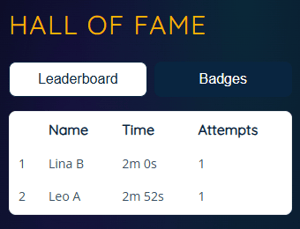
The Hall of Fame leaderboard shows each player's Name, Time, and Attempts, ranked by fastest escape time. When you escape, your time and rank are recorded and shown on your completion screen. You can view the Leaderboard at any time by clicking the trophy  in the world.
 |
Escape Room for Admins
Editors, Designers, Managers, or world Owners can add the Escape Room to a world.
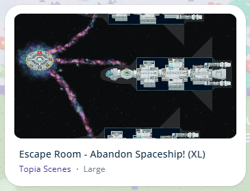
Each room in the Escape Room is set up as a 10-person private zone, and we recommend using 1 rocket for every 10 players. If you have more than 10 students playing at once, add more rockets to your world so everyone can see the rooms clearly. To make this easy, the Escape Room comes in two scenes: a single-rocket scene and a 3-rocket scene.
To Add Escape Room:
- Click Builder Mode
 in the left sidebar or press B on your keyboard to enter Builder Mode.
 - Click Scenes
 in the left sidebar.
 - Search for 'Escape Room - Abandon Spaceship!' in the
 Filter Results search bar, then choose the scene that fits your group: .
- For 1 Rocket: choose the single-rocket scene, perfect for groups of 10 or fewer.
- For 2 Rockets: choose the single-rocket scene twice.
- For 3 rockets: choose the 3-rocket scene (XL), it comes with teleporters built in, so players can easily find an open rocket. We don't recommend hand-adding 3 separate rockets to a world, as this may cause crashes. If you want 3 rockets, use the 3-rocket scene instead.
 .
.
1 Rocket Scene 3 Rockets Scene 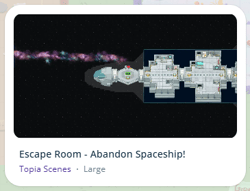
- Hover over the thumbnail image and click Drop Scene.
- Click an area in the world to drop the Escape Room in that location. The Escape Room takes up a large area, make sure there's enough room before you click to drop!
It is recommended to turn off “Show Current Users tab” to prevent users from teleporting or skipping rooms.