
| This article explains what the Breakout app is, how to use it, and how admins add the Breakout app to a world. For information on the separate Breakout Mode feature found in the Users Menu, refer to this article. |
Keep reading to learn about:
 Adding the Breakout App to a World
Setting Up the Breakout App as an Admin
What is the Breakout App?
Breakout is a small-group discussion app in SchoolSpace designed to help students connect through short, structured conversations. Teachers or school staff can set up a session by choosing the number of groups, how many rounds students will rotate through, and how long each round lasts.
When a round begins, every student in the breakout area is automatically placed into a small group, ensuring no one is left out. The app intelligently rotates students between rounds to help them share ideas with new classmates while avoiding repeat pairings. When all rounds are complete, participants are automatically moved out of their small groups and back into the world.
The Breakout App is great for:
- Icebreakers.
- Peer discussions.
- Collaborative brainstorming.
- Building school community.
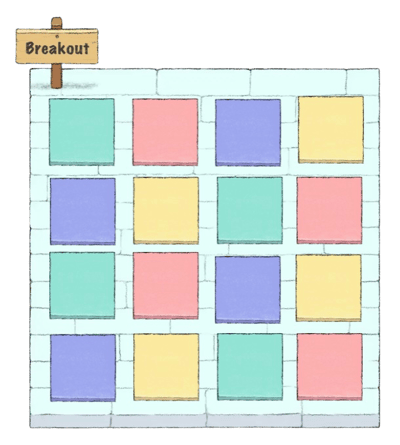 |
The Breakout app is separate from the Breakout Mode feature found in the Users Menu.
Using Breakout
Admins configure and start Breakout app sessions, while participants automatically join by walking into the Breakout app area.
An admin is needed to configure the Breakout app. At least 4 participants are required when using the Breakout app. The Breakout app is separate from the Breakout Mode feature found in the Users Menu.
To Use Breakout:
- Move your avatar into the Breakout app area before or during a breakout session.
- Wait for the round to start. When a round begins, the Breakout app page opens automatically on the left side of your screen.
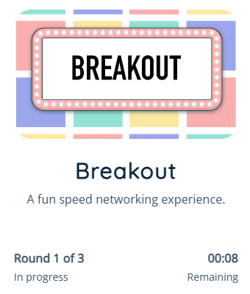
- You will be placed into a small group with other participants. A countdown timer shows how much time remains in the current round.
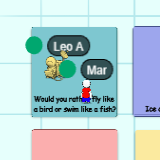
- At the start of each new round, you may be matched with different participants.
- When all rounds are complete, you will be automatically teleported back to the lower area of the Breakout app and the Breakout app page will close.
Breakout for Admins
Editors, Designers, Managers, or world Owners can add the Breakout app to their world. They can also change how the Breakout app looks in the world. There are six scenes to choose from - three styles, each available in a small and a large version.
|
|
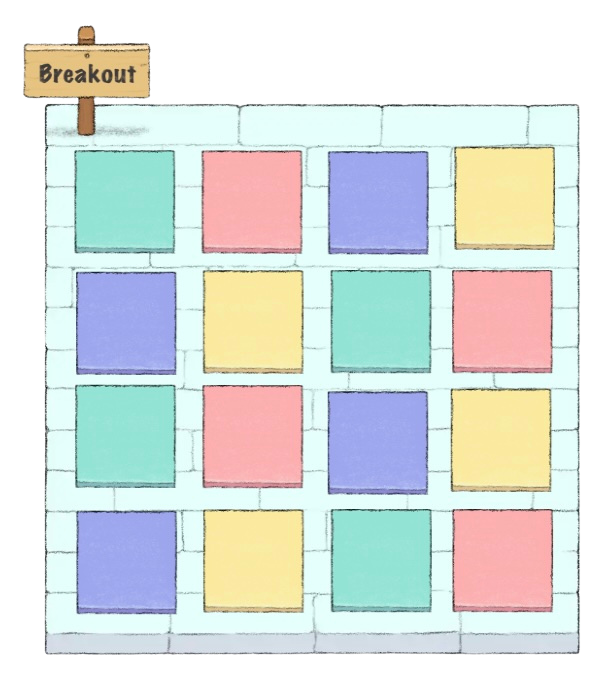 Color - Large Color - Large |
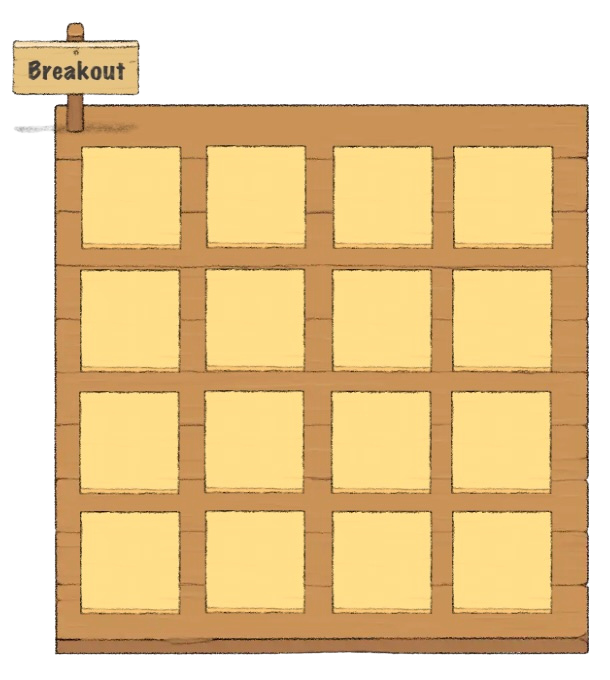 Wood - Large Wood - Large |
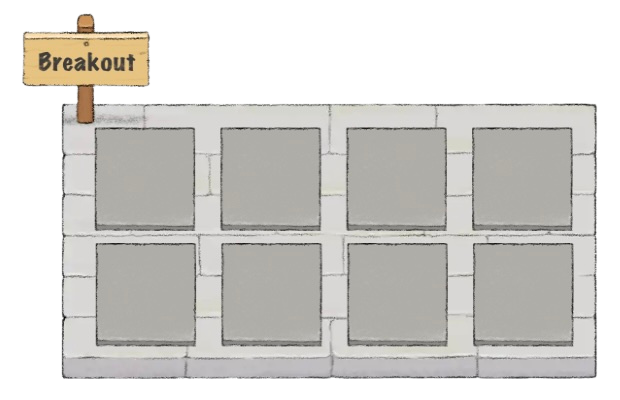 Stone - Small Stone - Small |
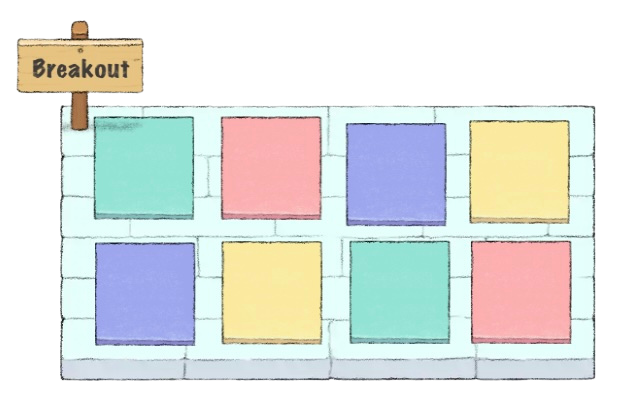 Color - Small |
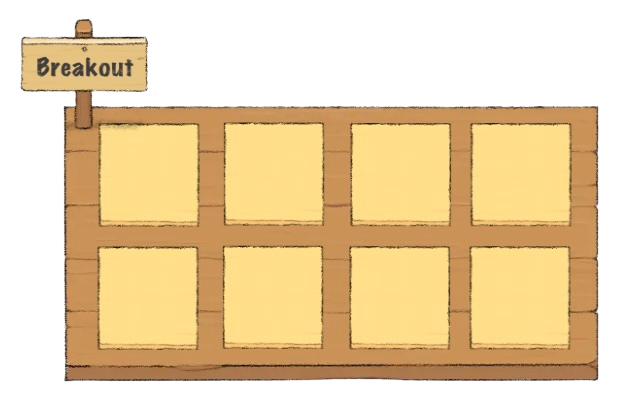 Wood - Small |
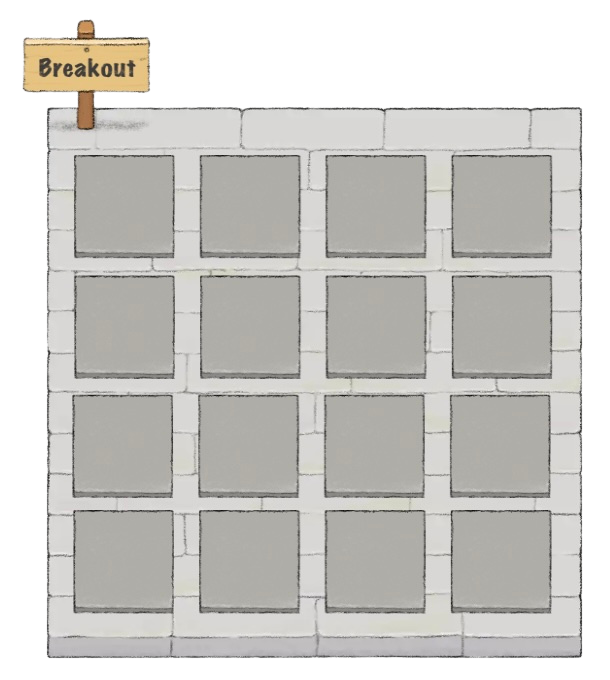 Stone - Large
The Breakout app is separate from the Breakout Mode feature found in the Users Menu.
To Add Breakout:
- Click Scenes
 in the left sidebar.
 - Search for 'Breakout App' in the
 Filter Results search bar.
 - Hover over the thumbnail image and click Drop Scene
 .
.
- Click an area in the world to drop the Breakout app in that location.
To Change the Breakout Scene:
- Click the Breakout sign asset in the world.
- The Breakout app page will open on the left side of your screen.
- Click the Settings
 icon at the top right of the Breakout app page.
 - Choose the scene you want to use.
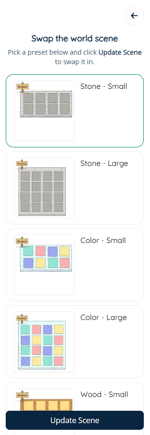
- Click Update Scene.
To Set Up a Breakout Session:
- Click the Breakout sign asset in the world.
- The Breakout app page will open on the left side of your screen.
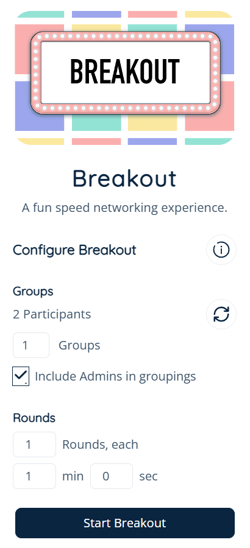
- Set the Number of Groups, Number of Rounds and Time per Round:
- Number of Groups: Equal to half of the total participants with a maximum of 16 groups. (e.g., If there are 16 participants, the max number of groups is 8. If there are 40 participants, the max number of groups is 16.)
- If needed, click the Refresh icon to update the participant count.
- Number of rounds: Maximum of 25 rounds.
- Time per round: Minimum of 10 seconds, maximum of 10 minutes.
- Number of Groups: Equal to half of the total participants with a maximum of 16 groups. (e.g., If there are 16 participants, the max number of groups is 8. If there are 40 participants, the max number of groups is 16.)
- Click Start Breakout.

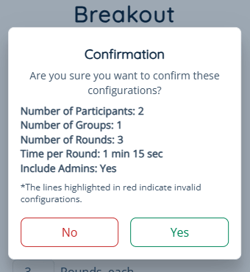
- Review the Breakout session details. Select:
- Yes to start the breakout.
- No if settings need to be changed. Repeat steps 3 - 5 to meet your needs.
If the admin who started the Breakout app session leaves the world while the app is in use, the Breakout timer will pause. The admin can leave and come back at any point during the Breakout app session and the timer will restart.